• All HTML documents must start with a document type declaration: < !DOCTYPE html>.
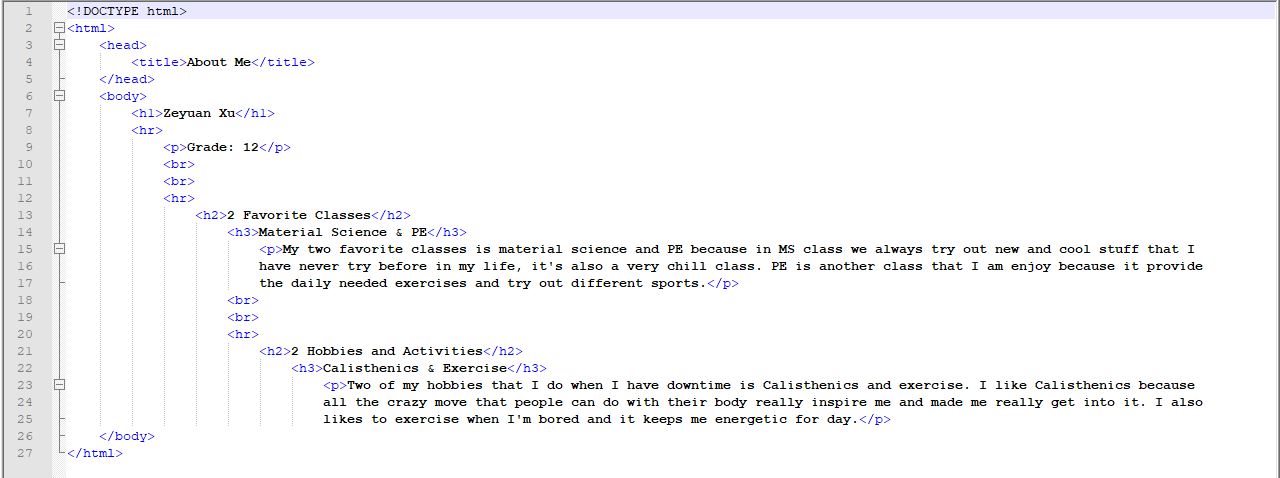
• The HTML document itself begins with < html> and ends with .
• The < head> element is a container for metadata (data about data) and is placed between the < html> tag and the < body> tag.
• The < title> element defines the title of the document, and is required in all HTML/XHTML documents.
• The visible part of the HTML document is between < body> and .
• The < h1> to < h6> tags are used to define HTML headings.
• < h1> defines the most important heading. < h6> defines the least important heading.
Ex.
Codes:
Web:

• HTML links are defined with the < a> tag. The link address is specified in the href attribute
Ex.

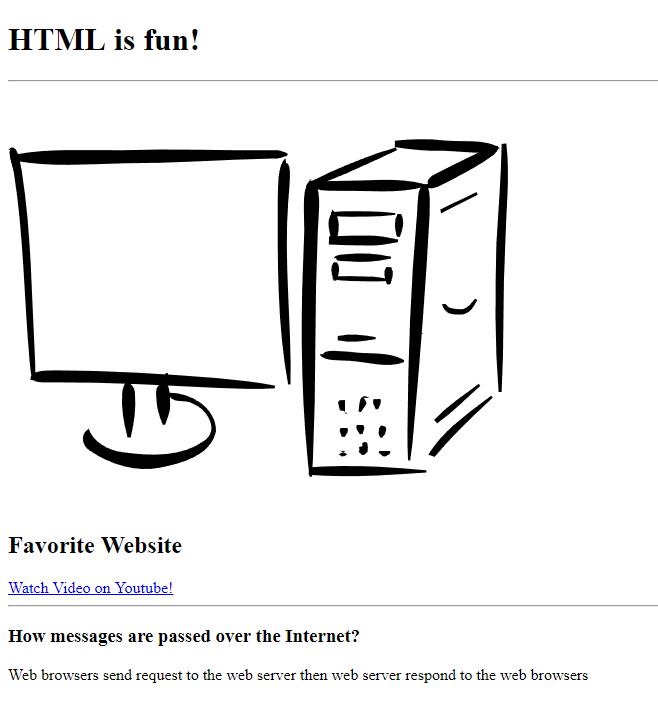
• HTML images are defined with the < img> tag.
• The filename of the image source is specified in the src attribute
Ex.

Ex.
• The HTML < p> element defines a paragraph
Ex.

• The HTML < br> element defines a line break.
• Use < br> & < hr> if you want a line break (a new line) without starting a new paragraph.

• The HTML < pre> element defines preformatted text.
• The text inside a < pre> element is displayed in a fixed-width font (usually Courier), and it preserves both spaces and line breaks
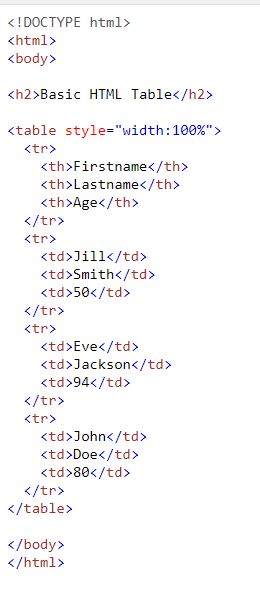
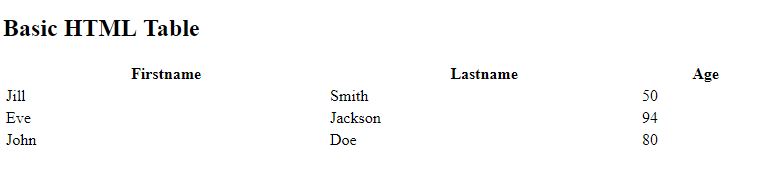
• An HTML table is defined with the < table> tag.
• Each table row is defined with the < tr> tag.
• A table header is defined with the < th> tag. By default, table headings are bold and centered. A table data/cell is defined with the < td> tag.
Ex.
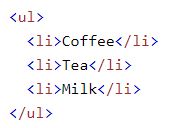
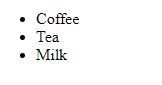
• An unordered list starts with the < ul> tag. Each list item starts with the < li> tag.
• The list items will be marked with bullets (small black circles) by default.
Ex.